

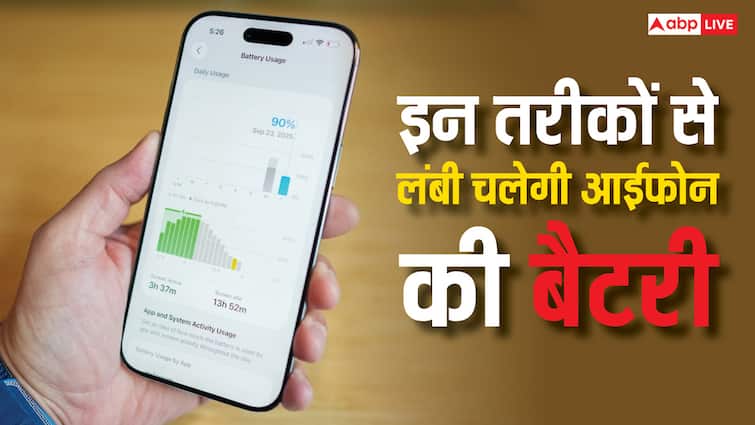
Nowadays the use of the phone has increased and in such a situation it has become very difficult to run the battery throughout the day. If you have to go out of the house with any urgent work, then it becomes difficult. In view of this, companies are now giving big batteries, but still many times it becomes difficult. If you are iPhone users, then there are many ways that can avoid such problems. The iPhone battery can be run long by turning on some settings.
Enable adaptive power mode
In the recently launched iPhone 17 series, this feature remains on default on, but in the iPhone 16 and iPhone 15 Pro and Pro Max models it has to be turned on manually. Go to the battery setting and tap on power mode and enable the adaptive power here. This mode adjusts the performance. This screen reduces brightness and limits background activity.
Low Power Mode
This is a very useful feature to prevent the battery from getting discharged early. On enabling it, the iPhone only task the necessary task and the background activities are closed. It automatically becomes enabled as soon as the iPhone battery is less than 20 percent. It can be activated before going to the battery setting. When it is enabled, the color of the battery icon becomes yellow.
Keep screen brightness less
Due to the screen of the phone, the battery is greatly affected. Now companies are bringing phones with big and bright displays, causing battery consumption quickly. The brightness of the screen can be reduced to prevent this. The slider bar of the iPhone provides the option to control screen brightness. If you do not have to go outdoor, then the battery can also be saved by shutting down the auto brightness feature.
Also read-
Impact of festive season, sales of smartphones increased by 5 percent in the country, this company leads