

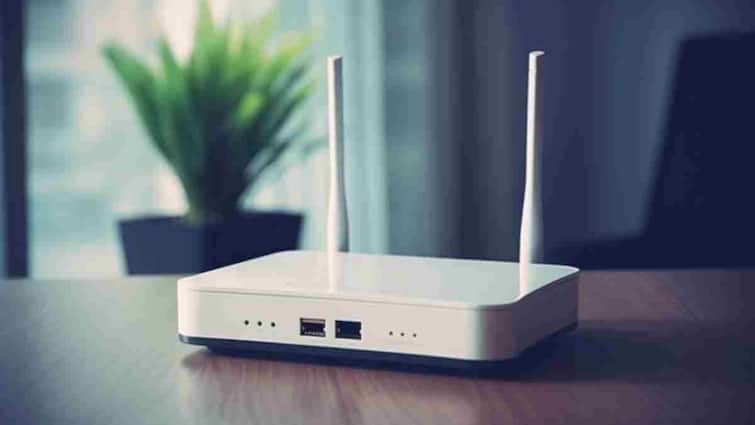
The full form of WPS is Wi-Fi Protected Setup. This is a feature that was introduced by the Wi-Fi Alliance in the year 2006 to make it easy and secure to connect any device to the router. This button is usually on the back or side of the router and has WPS written on it. Its purpose is that the user can connect his device to the WiFi network even without entering the password and that too through a secure connection.

When you want to connect a device like mobile, laptop or smart TV to WiFi, normally you have to enter the password. But if you use the WPS feature then this hassle ends. Simply go to the WiFi settings of your device, select the option of WPS or Connect via WPS and then press the WPS button on the router for a few seconds. Within a few moments your device will connect to the WiFi network without entering the password.
This feature proves to be even more useful when your WiFi password is very long or complex or you have guests at home who need to share the network.
If you have multiple smart gadgets like smart speakers, printers, cameras, bulbs or IoT devices then the WPS button is the easiest way to connect them. These devices usually do not have a keyboard, which makes typing the password difficult. In such a situation, by pressing the WPS button they get directly connected to the WiFi network. This not only saves your time but also makes the entire setup process much easier.
The WPS button may look small, but it has a big function. This not only makes the WiFi connection instant, but is also essential for those devices where entering the password is not possible. Just keep in mind that while using this button, you should connect only trusted devices so that your network remains secure.
Published at : 17 Oct 2025 07:41 AM (IST)