

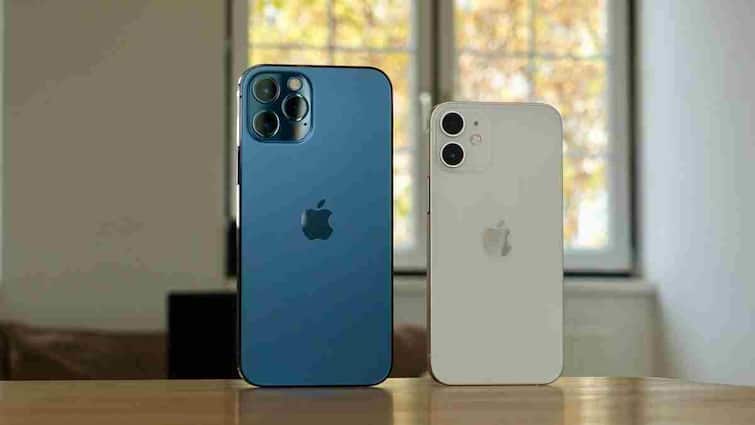
iPhone Tips: Apple iPhone is known for its best performance, premium design and long -lasting build quality. Nevertheless, the iPhone like any electronic device can also deteriorate over time or can cause technical problems. Interestingly, your iPhone gives you some ‘signs’ before it goes bad, but 90% of users ignore them. If these gestures are identified in time, then you can avoid expensive repair.
Battery ends rapidly
If your iPhone suddenly starts draining very fast battery than before, then it cannot be done only because of excessive use. It can also be a sign of battery malfunction or any problem related to motherboard. Go to the settings and check the battery health, if the health has gone below 80%, then the time has come to replace the battery.
Repeated heat
It is normal for the iPhone to be slightly hot, especially when using charging or heavy apps. But if the phone starts getting hot without any heavy use, then it is a sign of malfunction in battery, processor or internal circuit. Overheating can harm the parts of the phone for a long time.
Screening
If the screen of your iPhone starts flicker (flicker) or slows the touch response, then this can be a display connection or internal chip problem. Often people ignore it as software bugs, but it can also be the initial sign of hardware failing.
Difficulty in charging
If the charging cable and adapter are making difficulty in taking the charge, then it is a sign of the problem of malfunction or battery connection of the charging port. Sometimes dust or moisture can also cause harm by stuck in the charging port.
Be suddenly restarted
The iPhone is a serious sign without any reason without any reason. This may be the result of disturbances in the motherboard, battery, or iOS system. If this is happening again and again, then the service center should be shown immediately.
Storage and app crash
If the apps start crashing again and again, if the apps start to crash or hang the phone, then it may be the initial sign of the internal storage chip malfunction. Ignoring it can completely dead your phone.
Do this work in time
If you see any of these signs in your iPhone, then immediately backup the data and get the check done in Apple’s authorized service center. By holding small gestures on time, not only your phone will last long, but will also save you from heavy expenses.
Also read:
In how many days the SIM card is closed if not recharged? Learn what is the rule